ChatGPT Watermark Detector:
Check for textGrain before you publish.

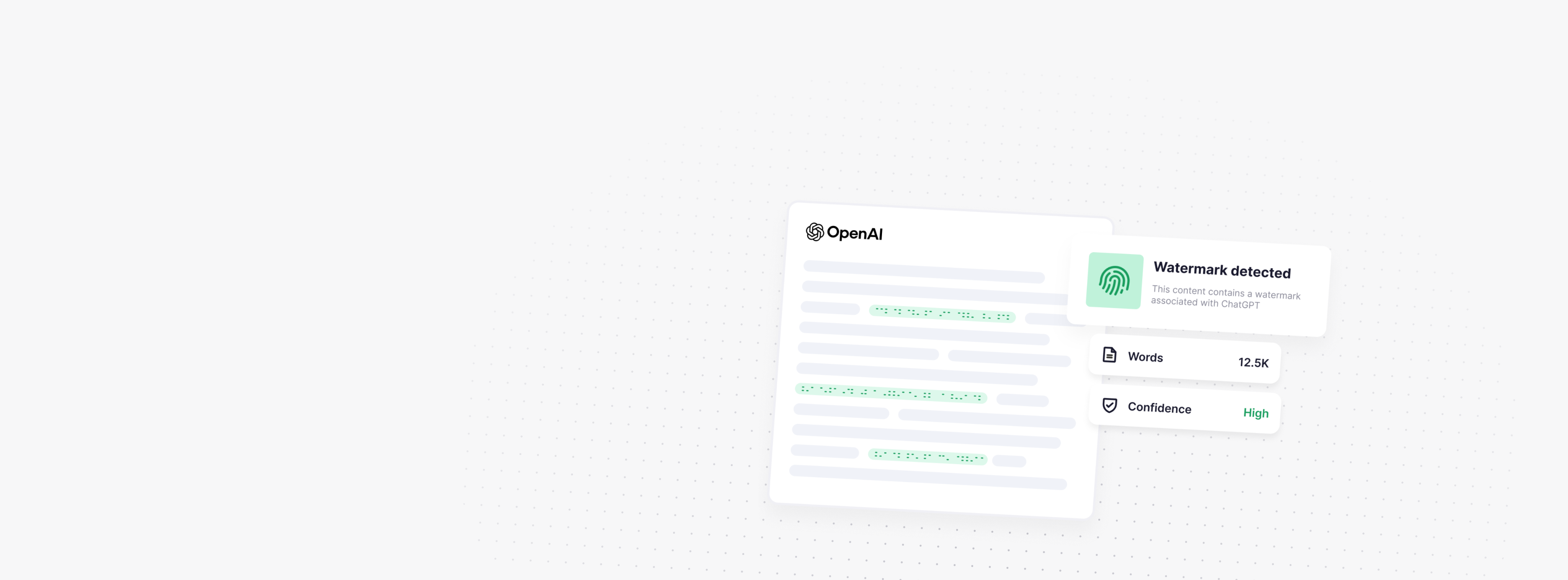
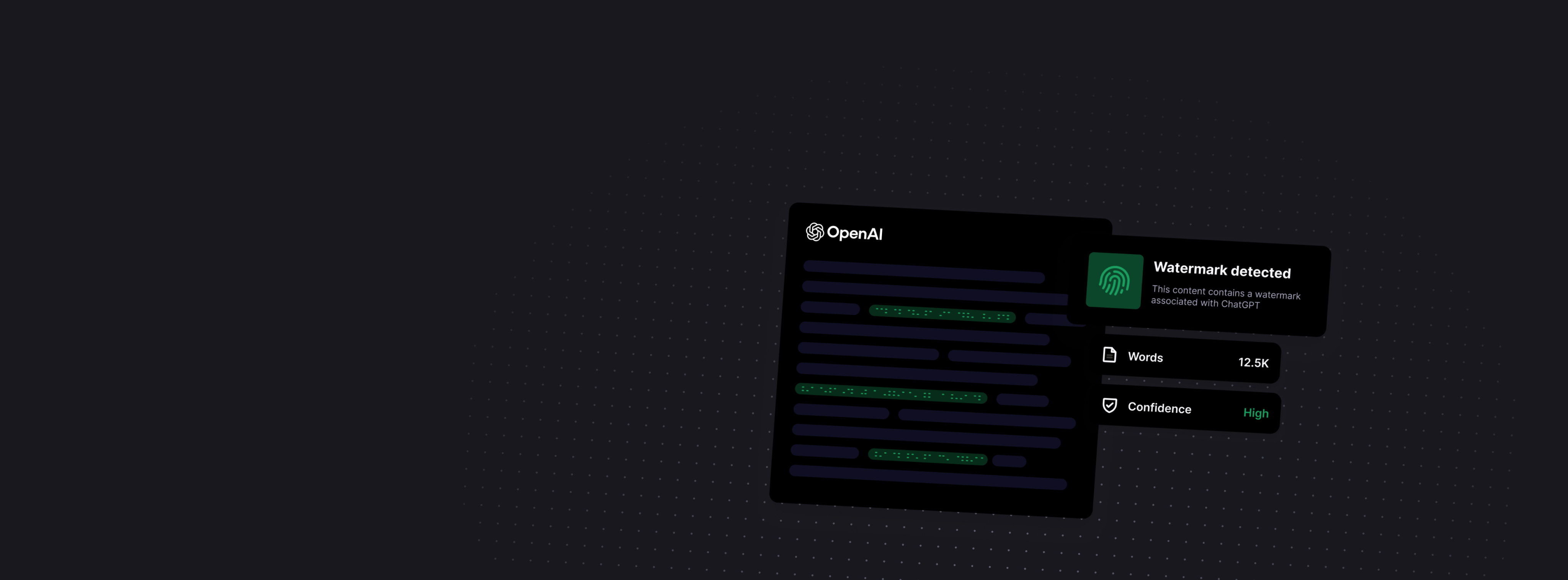
OpenAI is now embedding an invisible watermark, called textGrain, in text from ChatGPT and Codex. It's on by default across every plan in the EU, and any API customer, anywhere, can switch it on. The ChatGPT Watermark Detector checks a piece of text for the mark and provides a clear reading, so you don't have to guess whether something is clean before you publish it or trust it.

Paste any text. Find out if ChatGPT left a mark.

Words limit: 0 / 500

Have one document or an entire pipeline? Verify it all.

Everything you need to check, verify, and monitor ChatGPT's textGrain watermark, whether it's a single page or your entire publishing workflow.

Paste and Check

One document at a time. Paste in any piece of text, ChatGPT's or otherwise, and get a transparent read on where it stands. No account setup needed to try it, and no limit on how many times you check the copy before you're confident in the result.

Paste and Check

A Score, Not a Guess

No unclear "it might be AI" language. Every check comes back with a detection score attached, so you're confident instead of eyeballing it and hoping.

A Score, Not a Guess

API for Volume

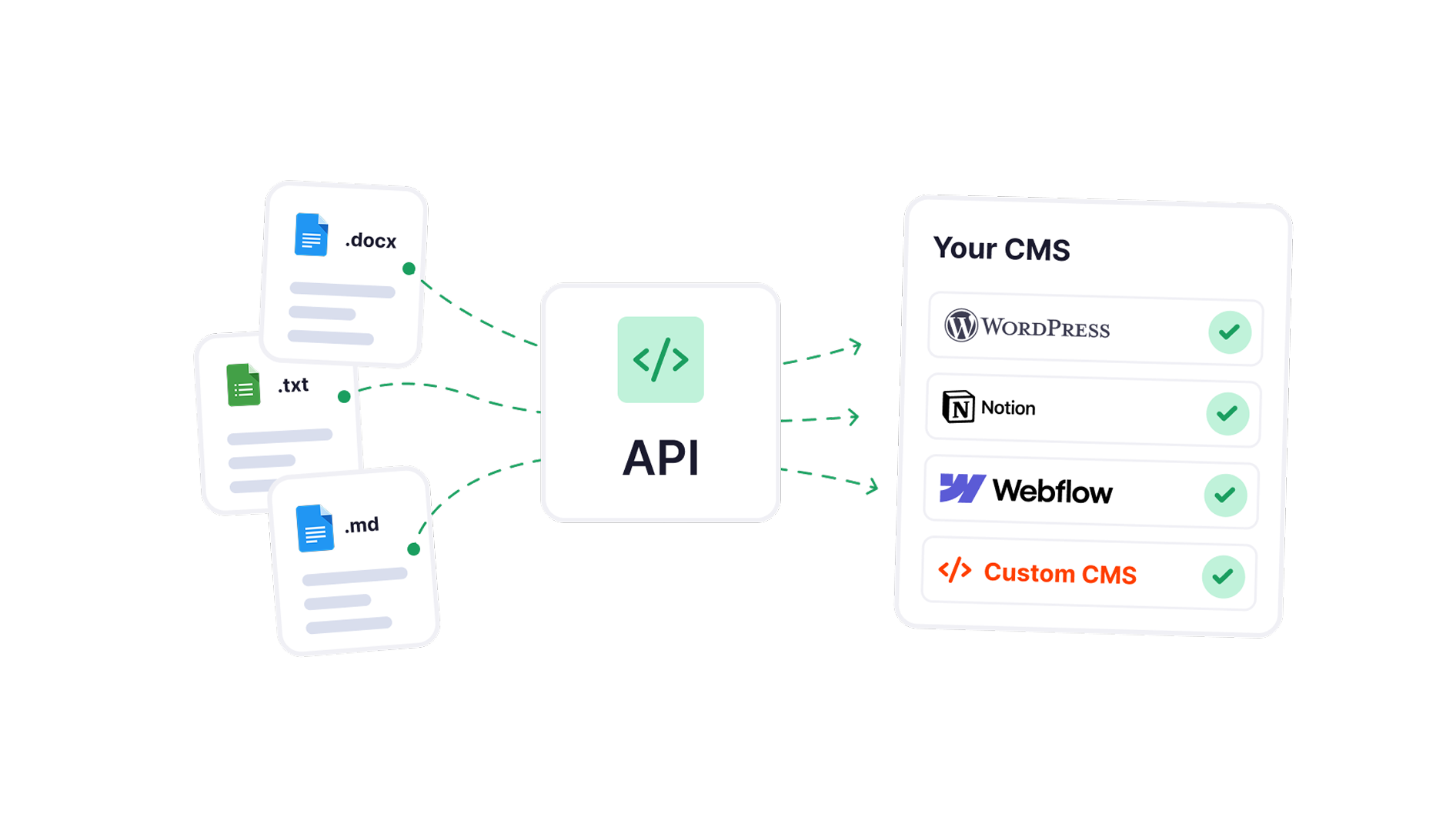
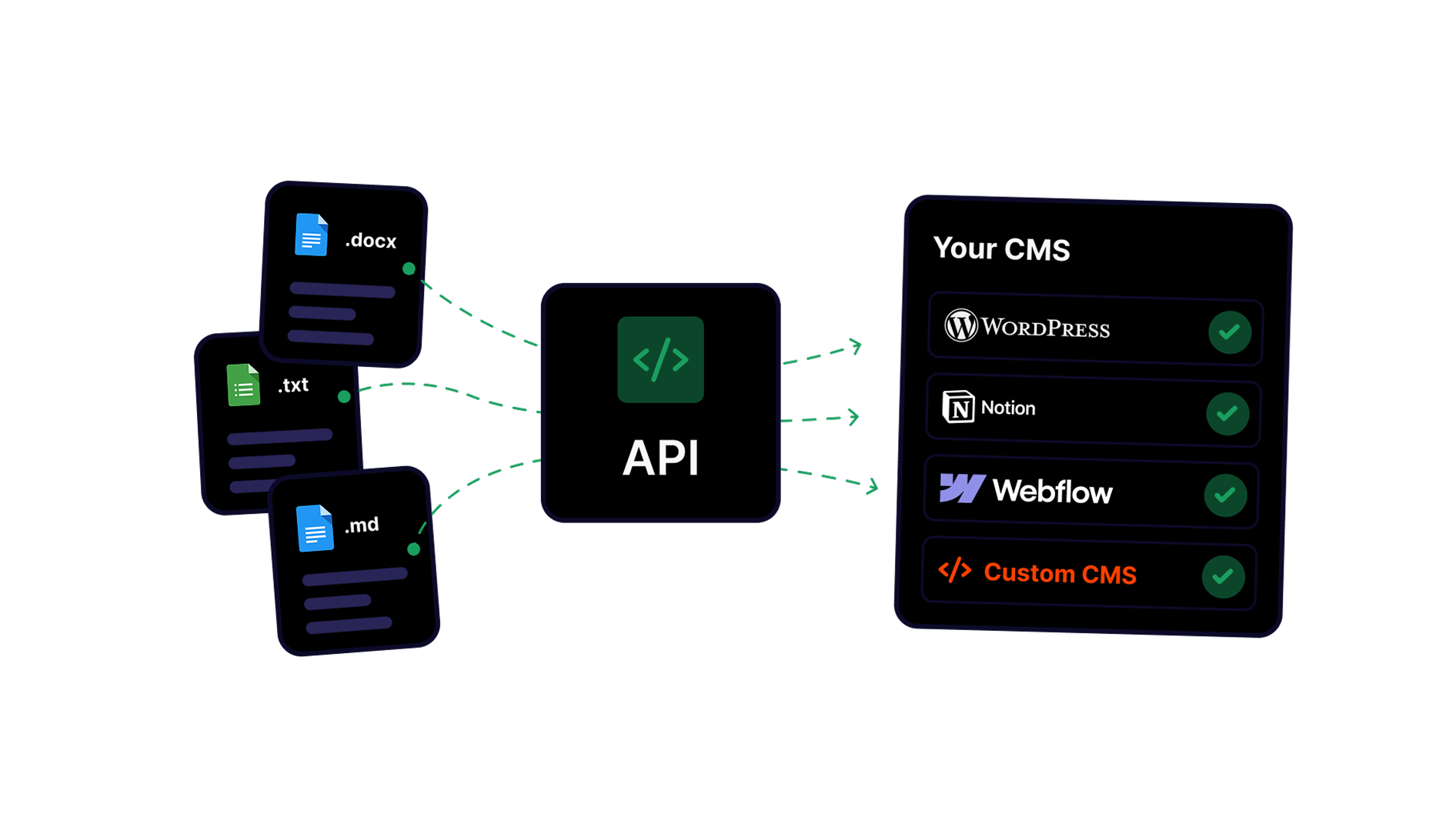
Route content through the Watermark Detector API before it hits your CMS, your inbox, or your archive. Built for teams drafting in ChatGPT or Codex who need to check at scale, whether that's verifying your own rewritten content stays clean or screening incoming text at volume, with fast turnaround inside a real production pipeline.

API for Volume
99%human score
1.5M+active users
1B+words processed

What is ChatGPT textGrain, and can you detect it?

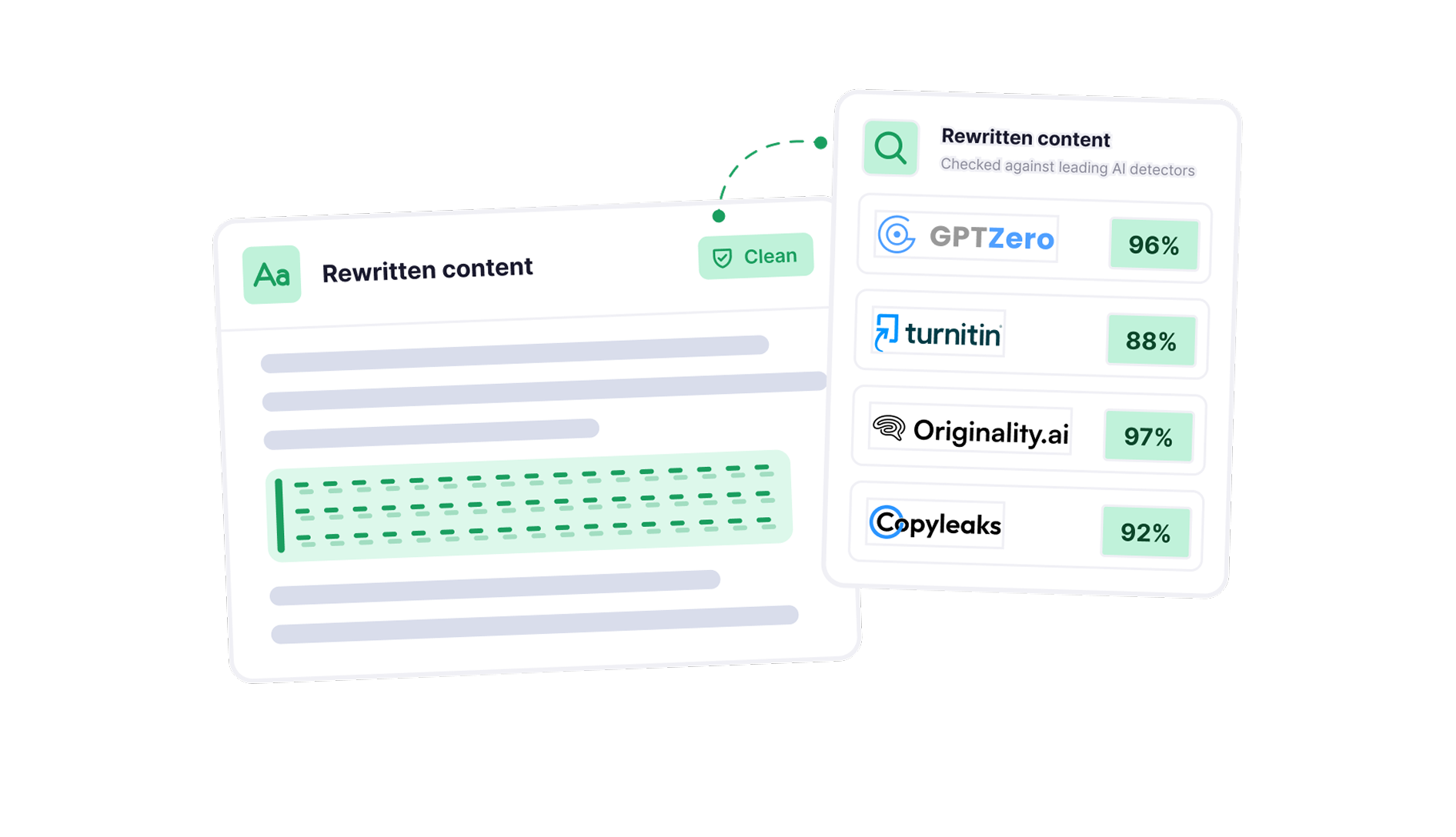
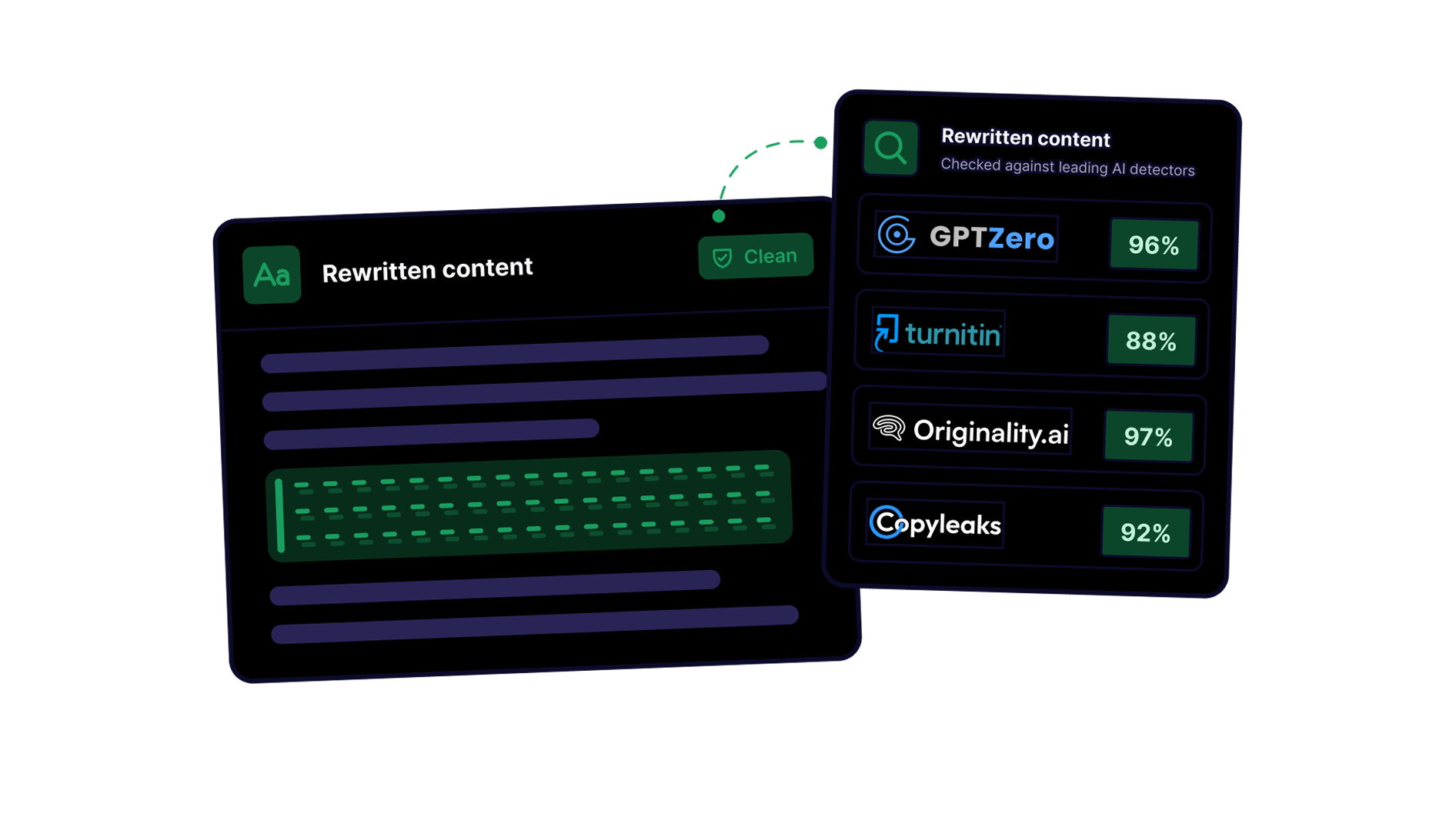
How do you know it's gone?

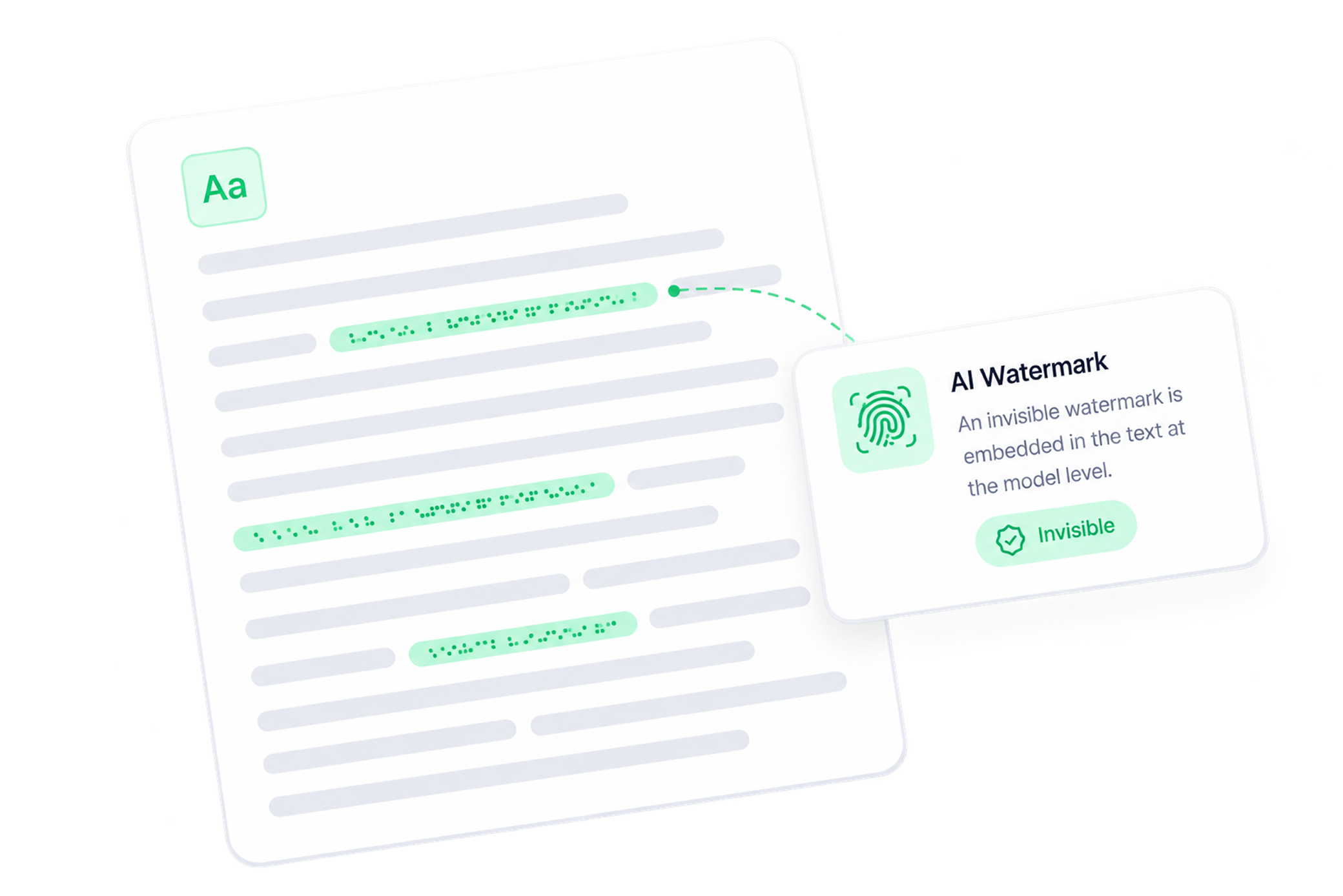
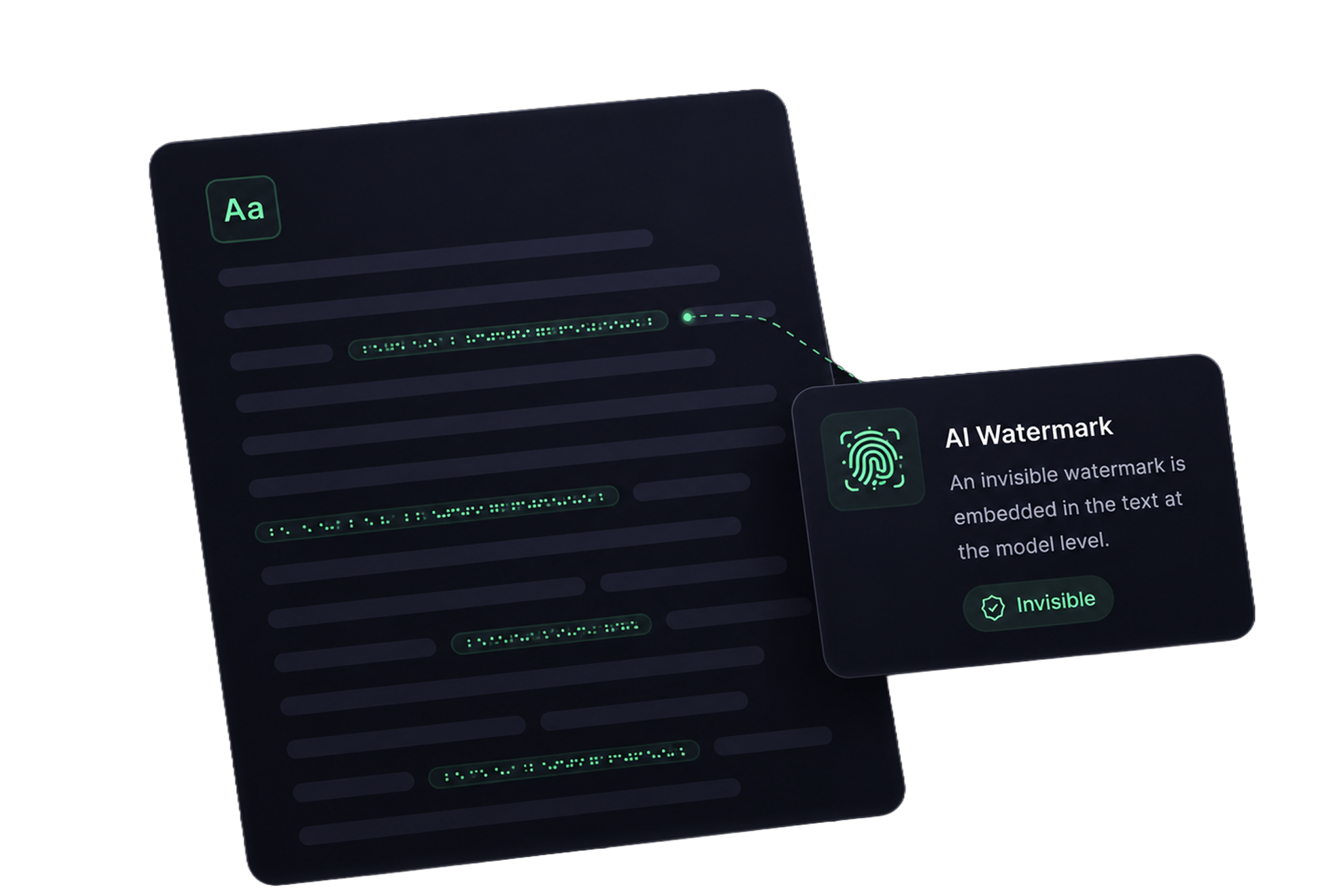
textGrain is not a logo or mark at the corner of an image. As ChatGPT writes, it scores every possible next word, and textGrain uses a secret key to tilt those scores in a consistent pattern. Nothing is added to the page, no hidden characters and no metadata, so it's invisible and travels with the text through copy and paste. OpenAI designed it to hold up through copy and paste and small edits. It's on by default across every ChatGPT and Codex plan in the EU, and any API customer, anywhere, can switch it on.

OpenAI has also published where the signal breaks: in its own tests, swapping 10% of the words for synonyms dropped detection from about 92% to 66%, and short passages, math answers, translated text, and heavy edits all weaken it further. The Watermark Detector is built around that word-choice signal, not the surface-level style guesses older AI detectors rely on. It reports a clean result: no textGrain found, not proof a human wrote it.
How do you know it's gone?

Why a real watermark check beats a generic AI detector

Signal checked

Watermark DetectortextGrain's word-choice pattern
Generic AI detectorSurface-level style and phrasing guesses

Hidden characters

Watermark DetectorNot the test; textGrain doesn't use them
Generic AI detectorSome still scan for stray Unicode, which textGrain doesn't add

Result format

Watermark DetectorA detection score, on every check
Generic AI detectorOften a vague label with no score

Volume

Watermark DetectorAPI, thousands of documents a day
Generic AI detectorOne document at a time

Update cadence

Watermark DetectorUpdated on an ongoing basis as OpenAI's marking method changes
Generic AI detectorStatic until it stops working

Frequently Asked Questions

Still have more questions?
Learn more in our support page.

Paste the text into the ChatGPT Watermark Detector. It checks for textGrain's word-choice signal and returns a detection score, so you know whether the mark is present before you publish the piece or trust it.

Know what's in ChatGPT's text before you publish it

One person checking one document, a team verifying content before it goes out, or screening submissions at scale, the check works the same way. Enterprise options are available for teams that need it running quietly in the background.